
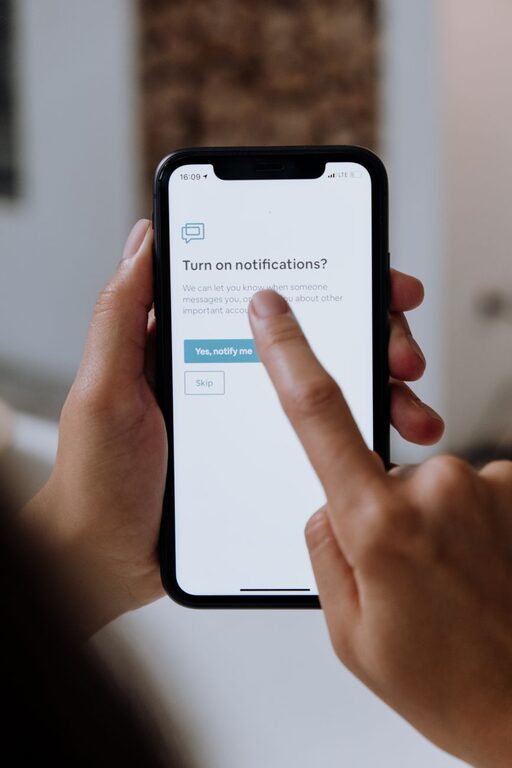
In today’s digitally connected world, notifications are a constant presence, aiming to keep us informed but often causing distractions instead. While notifications can be helpful, receiving too many or poorly timed alerts can interfere with your focus, productivity, and even your mental well-being. Setting boundaries with notifications is an essential step toward regaining control over your digital life.
This post explores practical tips to help you manage notifications better, so you can be more present, less stressed, and more efficient throughout your day.
Why Setting Boundaries with Notifications Matters
Notifications are designed to grab your attention, whether it’s a new message, app update, or social media alert. However, constant interruptions can:
– Break your concentration and reduce efficiency
– Increase stress or anxiety levels
– Lead to multitasking and decreased quality of work
– Disrupt personal or family time
By establishing clear boundaries, you can decide which notifications deserve your attention and when, creating a healthier balance between your digital and offline life.
Assess Your Current Notification Situation
Before making changes, it’s helpful to understand your starting point.
– Review all apps and services that send notifications: List them out and note how often they alert you.
– Identify which notifications are necessary: Think about alerts that impact your work, safety, or personal connections.
– Recognize sources of unnecessary interruptions: These might include games, promotional emails, or social media pings.
Taking stock helps you prioritize and customize your notification settings effectively.
Practical Tips for Setting Notification Boundaries
1. Customize Notification Settings by Priority
Most devices and apps allow you to tweak notification preferences. Consider:
– Turning off notifications from non-essential apps
– Enabling “Do Not Disturb” or focus modes during work hours or sleep
– Allowing notifications only from important contacts or apps
This way, you receive alerts that truly matter without constant noise.
2. Set Specific Times to Check Notifications
Instead of reacting instantly to every ping:
– Choose designated times during the day to review messages and alerts
– Avoid checking notifications as soon as you wake up or when going to bed
– Use app timers or digital wellbeing tools to remind you to pause notifications
Scheduled checking reduces distraction and helps maintain focus.
3. Use Silent or Vibrate Modes Strategically
Switching your phone or device to silent or vibrate at appropriate times can help limit disruption.
– During meetings or dedicated work sessions, silence non-urgent alerts
– Use vibration for essential contacts only to minimize noise
– Consider physical distance from your device when deep focus is needed
This simple step reduces temptation to check every notification instantly.
4. Unsubscribe and Limit Promotional Messages
Email and app notifications often come from marketing sources.
– Unsubscribe from newsletters and promotions that you no longer find useful
– Use email filters or folders to automatically sort less important messages
– Disable app notifications that promote sales or events unless relevant
Reducing clutter results in fewer interruptions throughout your day.
5. Communicate Your Boundaries with Others
Inform family, friends, and colleagues about your notification preferences.
– Let them know when you’ll be unreachable or prefer not to be disturbed
– Encourage use of other communication methods for urgent matters
– Set expectations around response times to reduce pressure
Clear communication supports your efforts to manage notifications effectively.
Tools and Features to Support Your Notification Boundaries
Built-in Device Features
– Focus modes (e.g., iOS Focus, Android Digital Wellbeing): Customize which apps and contacts can notify you during specific times.
– Scheduled Do Not Disturb: Automatically silence notifications during meetings, sleep, or focus hours.
– Notification summaries: Collect notifications and deliver them at set times.
Third-Party Apps
There are apps designed to help manage notifications and improve focus—for example:
– Forest or Focus@Will for reducing distraction during work or study
– Email clients with smart filtering to prioritize important messages
– Task managers to capture requests without constant alerts
Explore options that fit your lifestyle and needs.
Tips to Maintain Your Notification Boundaries
– Regularly review your notification settings: Apps update and habits change, so periodic adjustments help keep boundaries effective.
– Be patient and flexible: It takes time to adapt and find a system that works best for you.
– Balance connectivity and presence: Notifications are useful tools—using them wisely enhances rather than detracts from your life.
Conclusion
Notifications don’t have to control your attention. By setting thoughtful boundaries, customizing your alert preferences, and communicating clearly, you can reduce distractions and foster better focus. With a few simple steps, you can create a more intentional digital environment that supports your productivity and peace of mind.
Give these tips a try and experience the benefits of managing your notifications with care. Your focus and well-being will thank you!

Related Posts